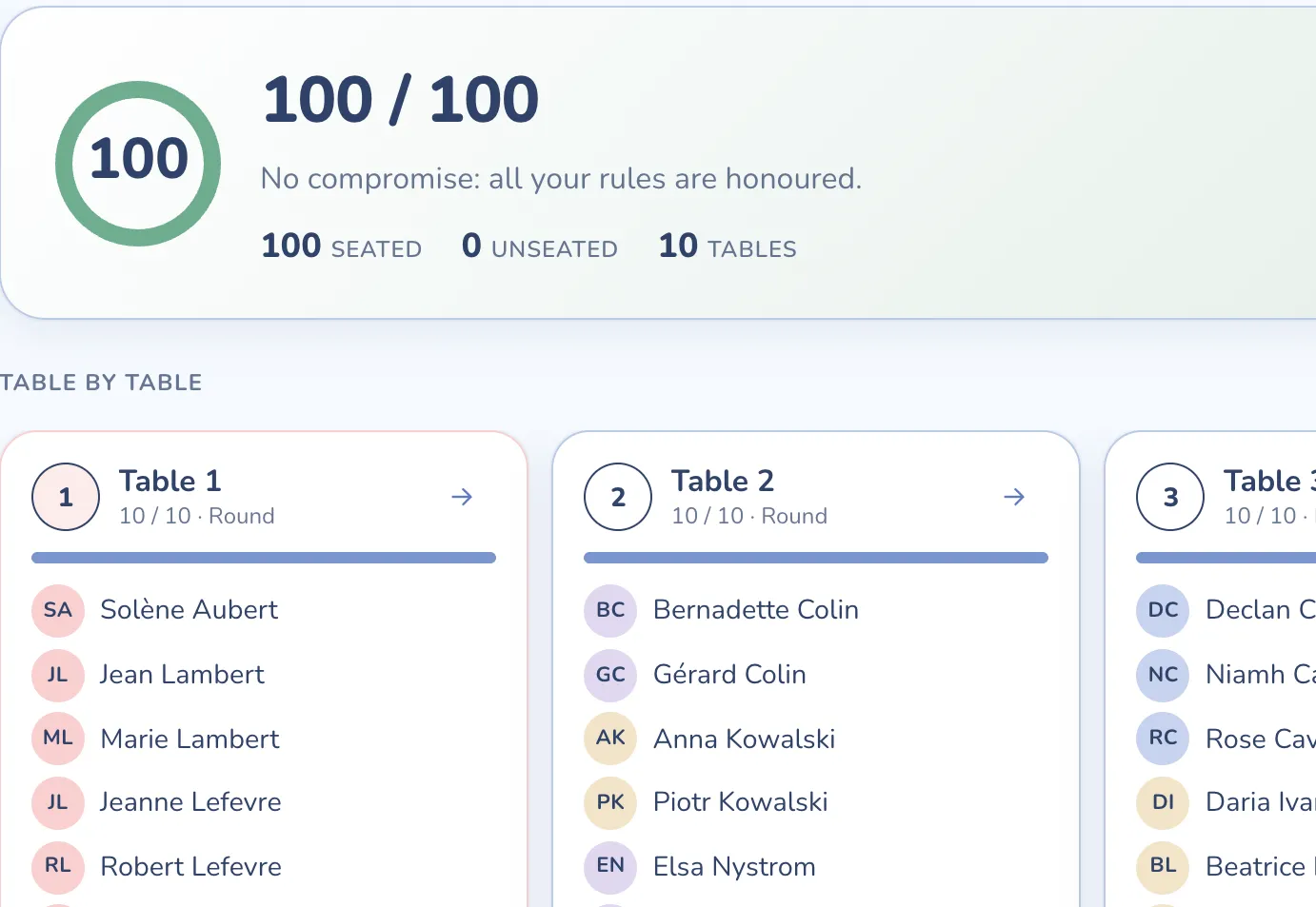
It does the seating for you
The engine searches for the arrangement that honours your rules best, in a few seconds. When two rules clash, it tells you which one it gave up, and why.
Web app · Free up to 5 tables
Not three evenings of sticky notes. Paste your list, say who must sit together and who must not: Tablee seats your guests, explains every trade-off and prepares your wedding-day documents. In your browser, on Mac or PC.
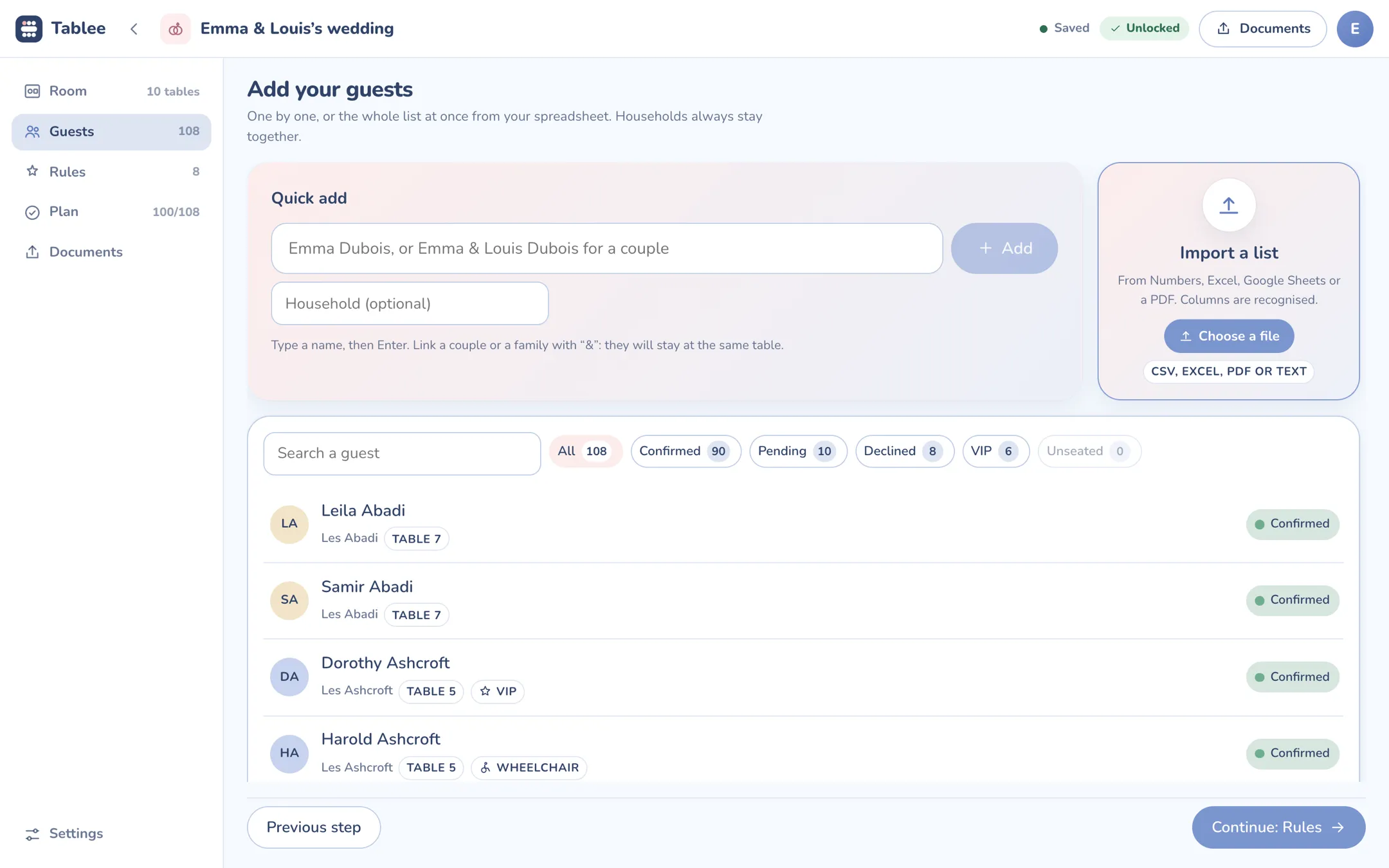
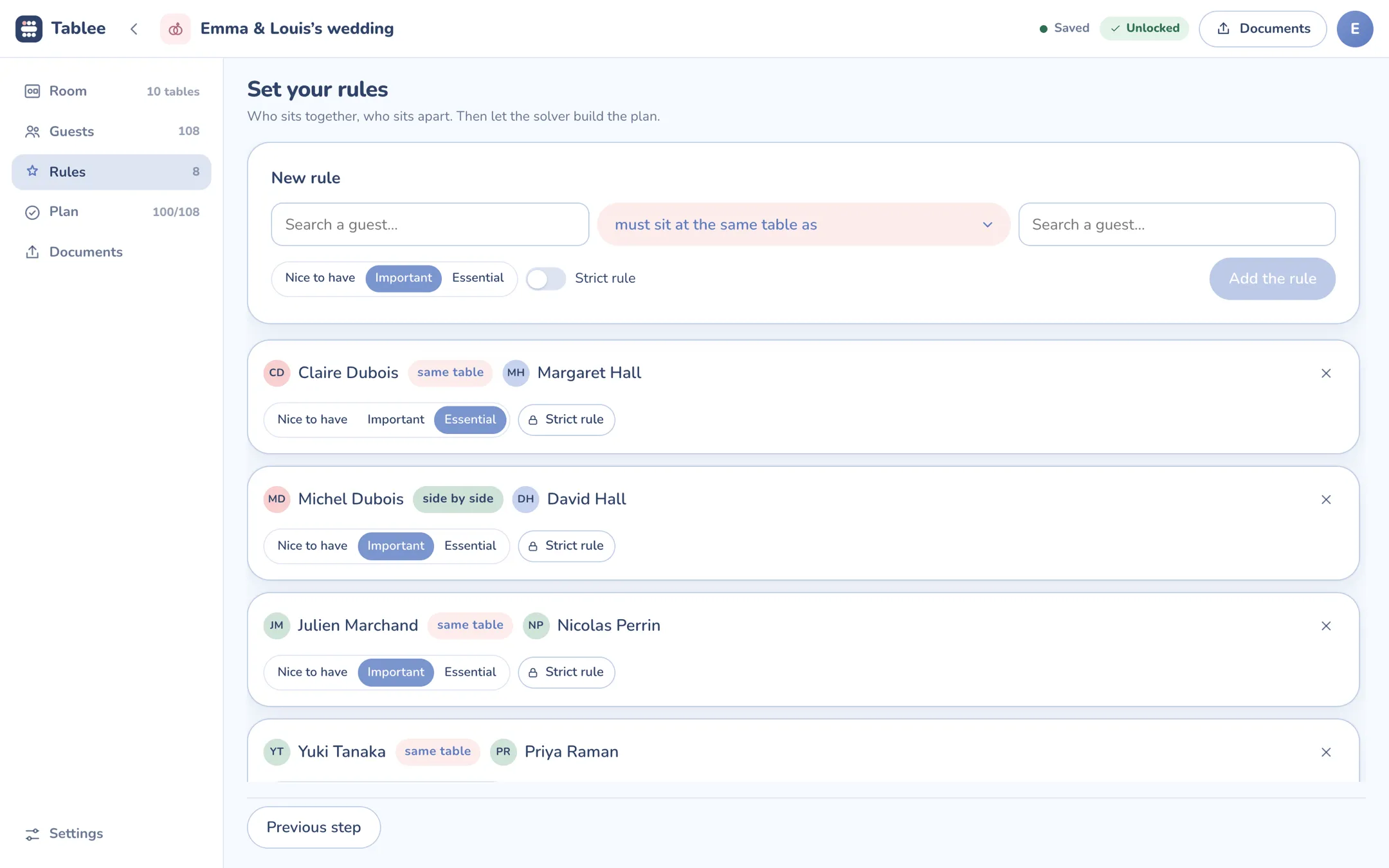
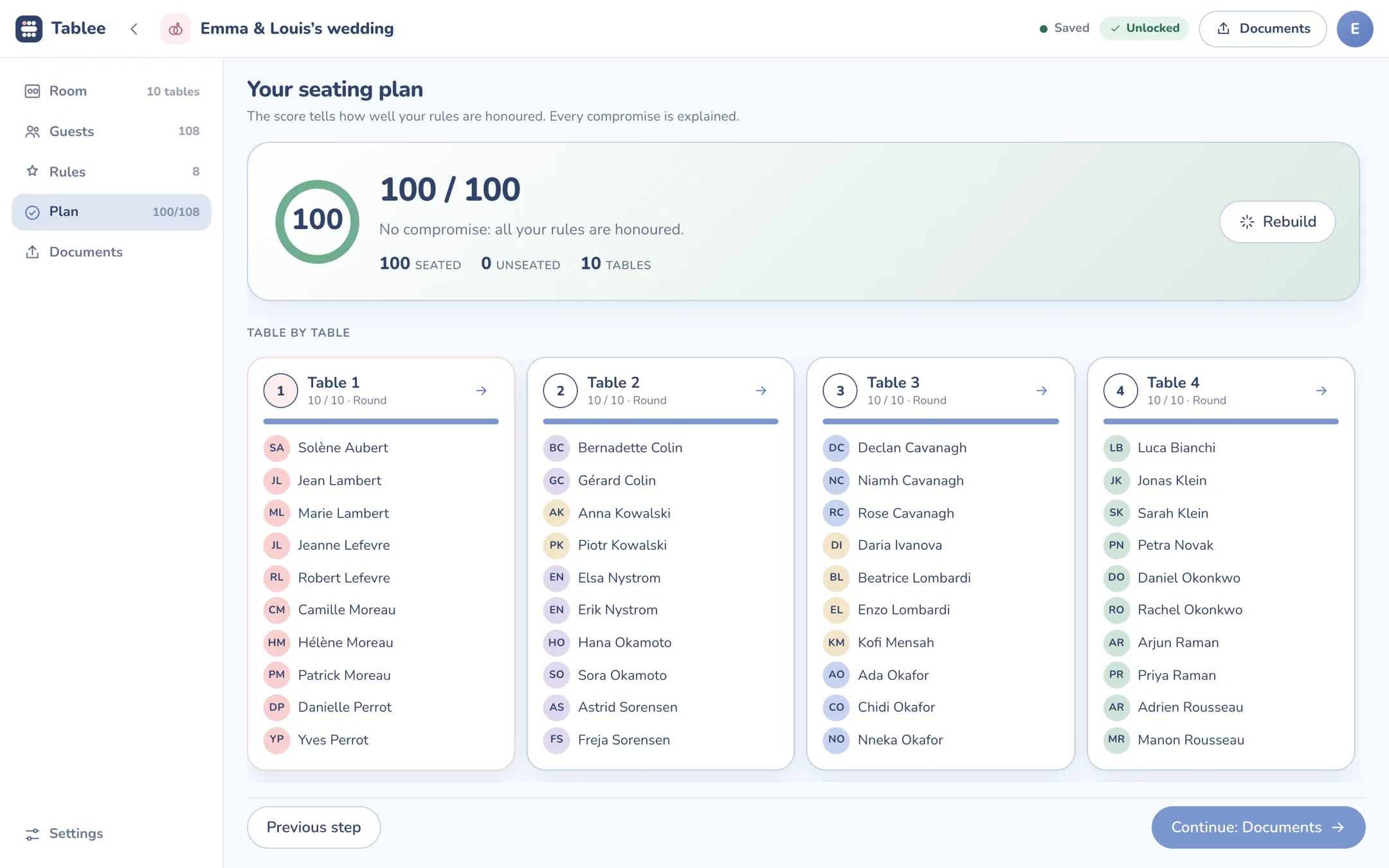
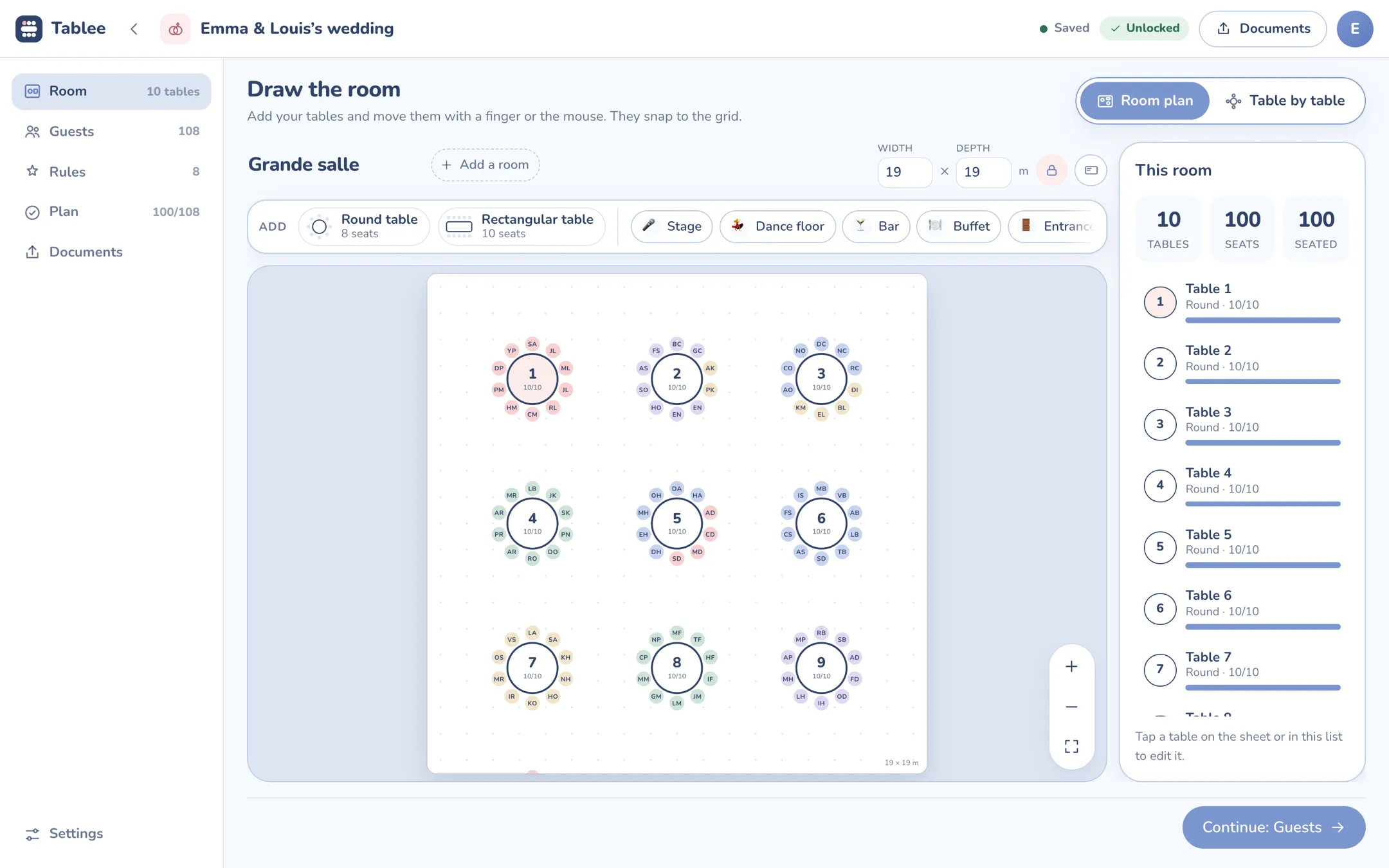
The demo wedding, solved by the same engine as the iPhone and iPad app
What changes
You describe your wedding: the room, the guests, who gets along with whom. Tablee finds the arrangement, and tells you why.
The engine searches for the arrangement that honours your rules best, in a few seconds. When two rules clash, it tells you which one it gave up, and why.
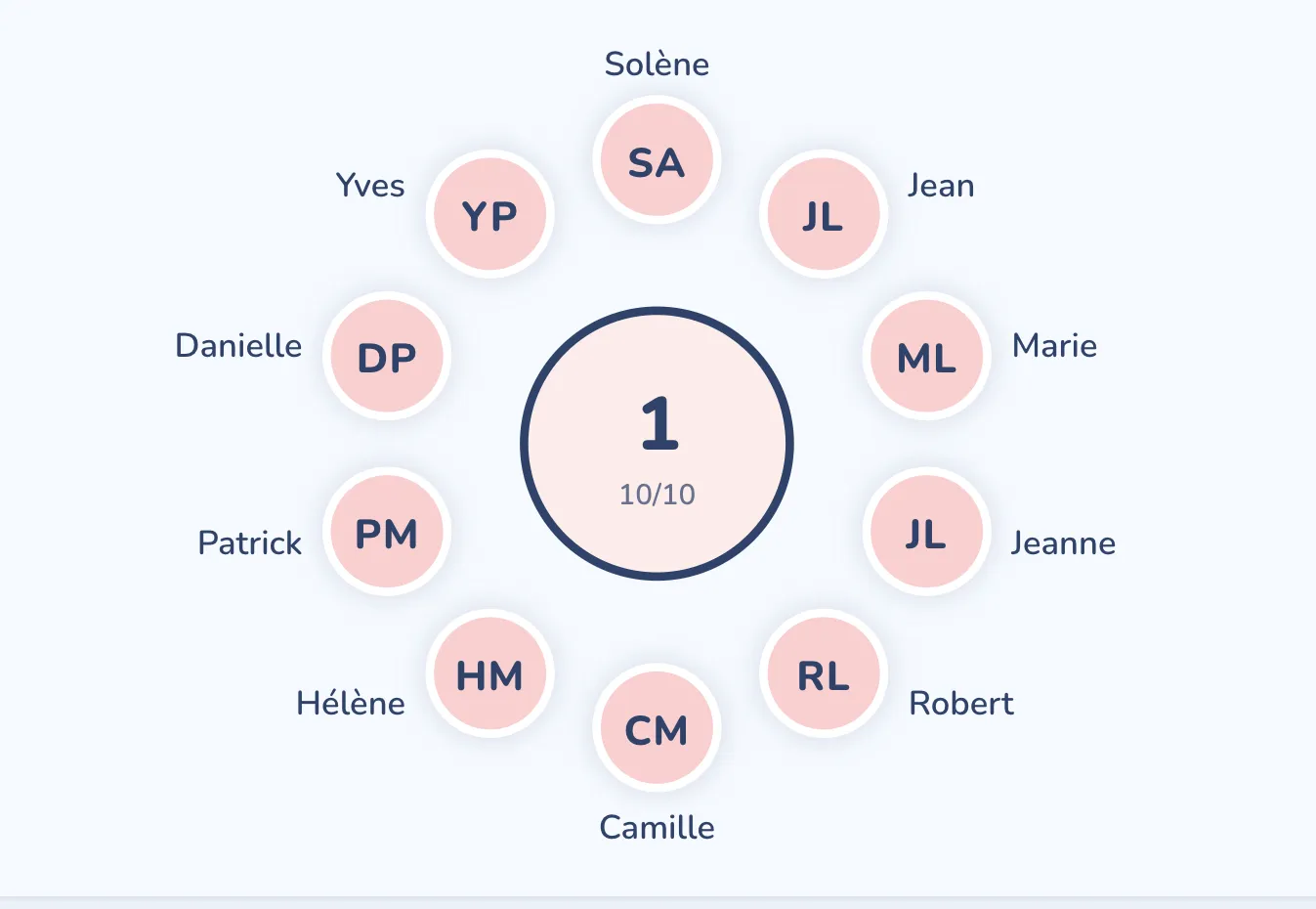
Not just a table: a seat. Drag someone onto another chair, the two swap, and your choice is pinned for good.
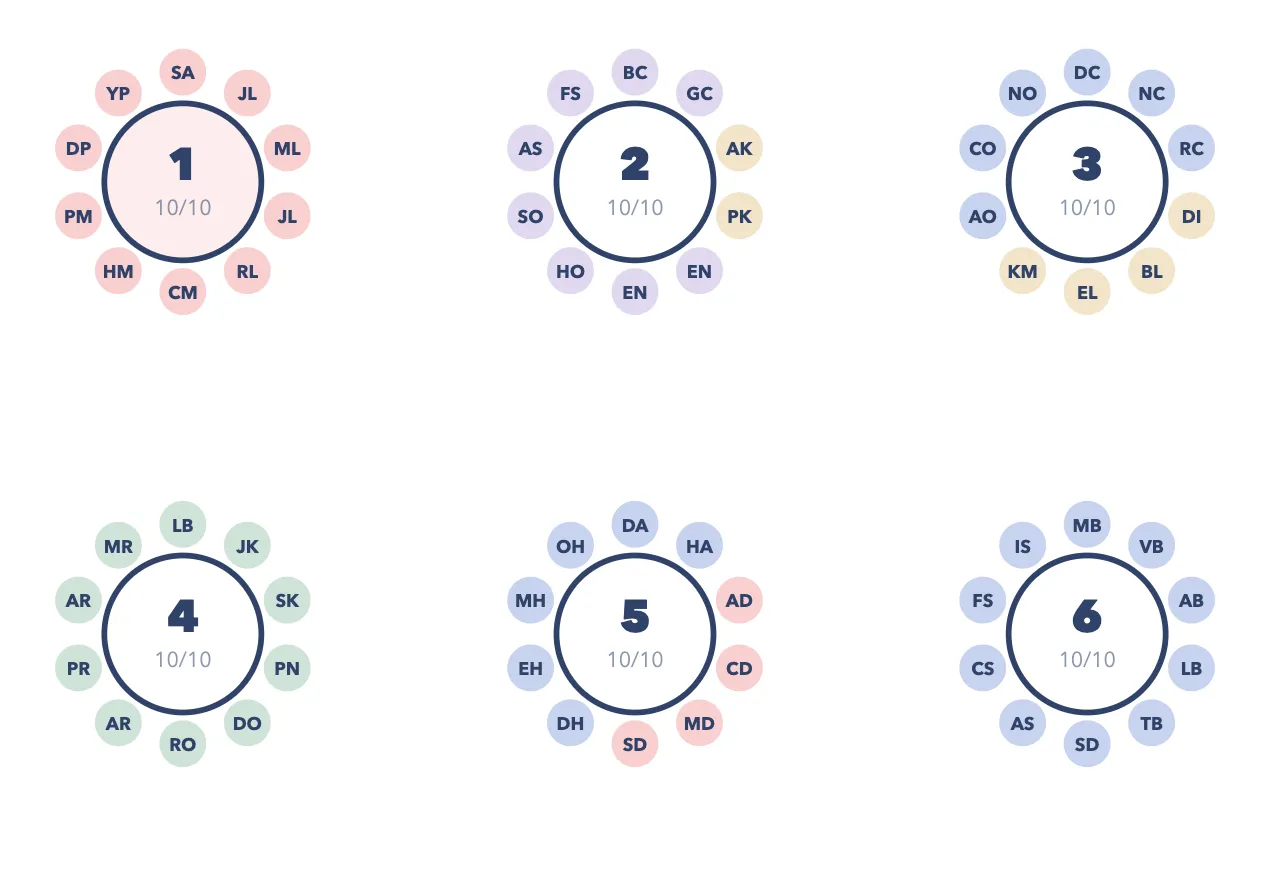
A3 room plan to scale, alphabetical list, entrance poster and the caterer’s service sheet, in one click, as PDFs.
The difference
Most online seating charts are drawing tools: they give you a room and name tags, and the real work, sorting people by who gets along, is still yours. Three ways to do it, side by side.
| By hand (spreadsheet, paper) | Drag-and-drop tool | Tablee | |
|---|---|---|---|
| Who seats the guests? | You | You, one tag at a time | The engine, in seconds |
| Your “together” and “apart” rules | Checked in your head | Checked in your head | Respected, every trade-off explained |
| A cancellation ten days out | Start over | Move people by hand | Rebuilt, moving as few people as possible |
| Room plan to scale | No | Yes | Yes, printable in A3 |
| Wedding-day documents | Make them yourself | The plan, sometimes | Plan, list, sign and caterer sheet as PDF |
What Tablee does not do: no 3D view, no online guest replies. It focuses on seating, and sees it through. Compare wedding seating chart makers, tool by tool
How it works
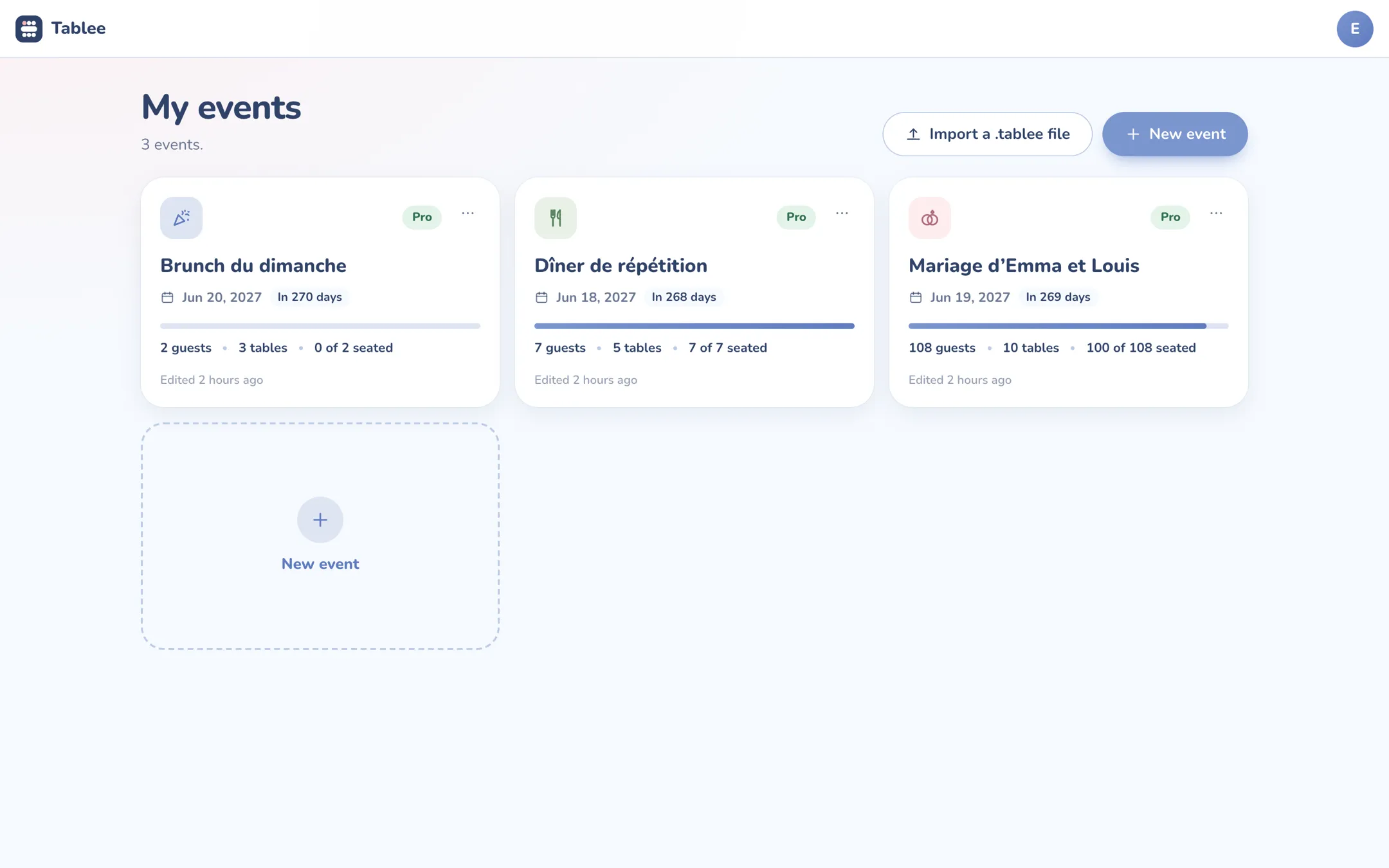
No software to install. Everything happens in the browser, and everything is saved as you go.
An email address and a password, or just a link sent by email. A code confirms your address, and that is it.
Round, rectangular and U-shaped tables, the dance floor, the stage and the buffet, to scale, on a landscape A4 sheet.
Paste your list from a spreadsheet, or import a CSV, an Excel file or a PDF. Then say who must sit together, and who must not.
The plan comes with its score and the reason for every trade-off. Your four documents are ready.
The details that matter when the list is still changing ten days before.
Remove a guest and rebuild: the plan moves as few people as possible.
Every change saves itself. Open your plan from another computer, and it is waiting.
Spreadsheet, CSV, Excel or PDF: name, household, meal, allergens and RSVP are recognised.
Couples and families stay together; a group can be gathered, spread out or balanced.
Drinks in the garden, dinner in the barn: each room has its plan to scale.
The whole event as a .tablee file, to keep or import again later.
Trust
A wedding list says a lot about people. Tablee is published in France, in Séné (Brittany), by Teddy Verneuil, sole trader. Here is what we do with your data, and what we do not.
Merchant of record: it collects payment, issues the invoice and handles refunds. We never see your card.
Your plans live on our servers in Western Europe. They are neither sold nor exploited.
Download everything as a file, delete an event or your account in one click, from the app.
One payment for your event, and only if it goes beyond five tables. The Pro subscription is only for people who run several.
For a wedding, no subscription: you pay for the event, once, when it goes beyond five tables. To run several, there is Tablee Pro.
€0
The full editor and the full seating engine, with no time limit.
€9.99 one-time payment
Unlocks your event, for good. One seating chart, paid once.
€84.99 a year
For caterers, venues and wedding planners who run one event after another.
Prices include tax. The sale is made with Creem, merchant of record, which collects payment and issues the invoice. Tablee Pro renews every year until cancelled, and runs until the end of the period once cancelled. With the same account, a purchase made here also counts in the iPhone app, and the other way round.
Price, importing your list, last-minute changes, the account and your data.
Guides
The complete method for making a seating chart, and an honest comparison of the tools.
Method
A 6-step method in the order that avoids redoing everything: count households, pick tables, set rules, settle clashes, seat, check. Worked on a 108-guest wedding.
Seating etiquette
Parents, stepparents, wedding party, kids, singles, exes: for each case, where to seat them, an alternative and the trap to avoid.
Seating tools
wedding.studio, Zola, WeddingWire, SeatPlan.io, Seat Maker, Tablee. Which wedding seating chart maker is worth your evening, and which one survives a cancellation.
Free up to five tables, no credit card. You will see the price before you need it.